FEATURE · IN-TASK SOP GUIDANCEBETA

Illustrated step-by-step guidance at the machine, to reduce errors and accidents.

Hearing protection on, machine running, and the procedure buried in a binder nobody can find right now — so a rare job gets guessed. On the iPad at the workstation, an illustrated step-by-step guide is right there: each step shows the part and the tool, with the action arrowed and labeled, one step at a time, working even with no signal. So fewer parts get scrapped, fewer errors get made, and fewer accidents happen.

SCAN AT THE MACHINE · ILLUSTRATED, STEP BY STEP · WORKS OFFLINE
How it works
1
Worker
Scan the QR on the machine
No login, no hunting. The tablet at the workstation opens straight to this machine’s procedure.
2
Platform
The illustrated steps open
Each step shows the part labeled and the action arrowed, in their language — even a rare procedure, one step at a time.
3
Platform
Works even with no signal
In a basement, behind steel, in a dead zone — the procedure runs offline and syncs later.
4
Platform
It writes to the audit log on reconnect
Who ran which procedure, when, lands in the record automatically — nobody types it up.
Scan · the right step, at the machine, offline-ready
1 scan
To the right step
Offline
Even in a dead zone
0
Seniors interrupted
Illustrated
Step by step, labeled
The problem

The step-by-step procedure is needed now. The SOP is in a binder.

What the floor sounds like when the guidance isn’t at the machine:

A rare procedure gets guessed at the machine, and the wrong step is a scrapped part or an incident report.
Plant Manager
The job aid at the machine and the training course say different things.
EHS Lead
When a worker needs the step, the standard operating procedure (SOP) or the machine manual is buried in a binder nobody can find.
Line Supervisor
A new hire stalls at the equipment until someone senior walks over to walk them through it.
Production Lead
In-task guidance · the step, right at the machine

The binder, gone. The right step, right there.

Nobody hunts for a procedure or pulls a senior off the line. A worker scans the QR on the equipment and an illustrated step-by-step guide opens on the iPad at the workstation — each step showing the part, the tool and the action, in their language, working even with no signal, and writing itself to the audit log on reconnect.

01At the machine

Scan the QR. The illustrated steps open.

A worker walks up to the equipment, scans the QR code on it, and the tablet at the workstation opens straight to this machine’s procedure — no login, no searching, no binder. Gloves on, ear protection in, the next step is right there on screen: the part labeled, the action arrowed, big enough to read across the noise.

  • Scan, don’t search. The QR on the machine jumps straight to its procedure — no menu, no hunting.
  • No login at the workstation. The shared iPad opens to the right step without anyone typing a password with gloves on.
  • Illustrated, one step at a time. Each step a labeled image with the action arrowed — big enough to read across 95 decibels of noise.
  • Even the rare procedure. The job done twice a year is guided exactly like the one done every shift.
CNC-04 · scan to start SCAN WORKSTATION · CNC-04 · no login CHANGEOVER · STEP 3 OF 8 BACK NEXT Lock out the spindle drive Isolate, apply your lock, verify zero energy Step 2 · Clear the work area ✓ DONE Step 3 · Lock out the spindle ▶ NOW Step 4 · Swap the tooling NEXT STEP-BY-STEP GUIDE NO LOGIN · WORKS OFFLINE
02One source

The guide and the course, from one source.

The illustrated guide at the machine and the video course can’t say different things, because they’re built from the same procedure. They just take different forms — a video course with chapters to learn it, an illustrated step-by-step guide to do it at the machine — and when the procedure changes, both update together, so the floor is never following a step the classroom retired.

  • Learn it, then do it. The step-by-step guide is built from the same procedure they trained on — not a separate, drifting job aid.
  • One update, everywhere. Send us what changed in the procedure; the video course, the documents and the in-task guide refresh as one.
  • In the worker’s language. The same procedure, illustrated step by step, in whatever language each operator works in.
  • No more conflicting instructions. The wall poster, the binder and the learning platform stop arguing — there’s one method.
  • The machine never shows yesterday’s version. The tablet pulls the same version the course is on, and the record shows which version the operator saw and when. If the SOP changed, the next shift sees the new one — and the record proves it.
ONE SOURCE → COURSE + IN-TASK STEP · BETA ONE SOURCE, TWO FORMS 1 approved SOP · they never disagree APPROVED SOP Changeover · v4 · 75+ langs TRAINING COURSE · PLATFORM Step 3 · Lock out spindle ● what they trained on IN-TASK · AT THE MACHINE Step 3 · Lock out spindle ● the step-by-step guide
03Offline & on the record

No signal? It still runs.

A basement pump room, a steel-walled cell, a dead zone at the back of the plant — the SOP runs from the device with no connection at all. Every step a worker completes is captured locally and syncs to the audit log the moment the device reconnects, so the record builds itself without anyone writing anything down.

  • Fully offline. The illustrated steps live on the device — no bars, no Wi-Fi, no problem.
  • Syncs on reconnect. The moment there’s signal, the completed run uploads on its own.
  • The audit log writes itself. Who ran which SOP, and when, lands in the record — no clipboard, no re-keying.
  • Proof for the inspector. When someone asks who did what, the answer is one screen, not a week of digging.
OFFLINE RUN → SYNCS TO AUDIT LOG BASEMENT PUMP ROOM · NO SIGNAL It runs offline · the record builds itself PUMP-7 · MAINTENANCE OFFLINE Step 4 of 6 · Re-prime the pump ✓ Step 1 · Isolate · 09:02 ✓ Step 2 · Drain line · 09:05 ✓ Step 3 · Replace seal · 09:11 RECONNECT ● SYNC AUDIT LOG PUMP-7 · seal replace J. Ortega · 6 steps · 09:18 CNC-04 · changeover M. Lee · 8 steps · 08:40 LINE-3 · lockout A. Kim · 5 steps · 07:55 ● WRITES ITSELF Nobody typed this up RUNS ANYWHERE · PROVES EVERYTHING WORKS OFFLINE SYNCS ON RECONNECT AUDIT LOG ONE SCREEN
Before / after

Guess at the machine. Or follow the step.

The same rare procedure, two very different moments at the equipment.

Today

The binder nobody can find

  • ×A rare procedure gets guessed — the wrong step scraps a part or files an incident.
  • ×The job aid at the machine and the training course say different things.
  • ×A new hire stalls until someone senior gets pulled off the line to help.
  • ×When the inspector asks who did what, it’s a week of digging.
With TalentED

The right step, right there

  • Scan the QR and follow the exact step — even the procedure done twice a year.
  • The guide at the machine is built from the same source as the course — one method, in their language.
  • A new hire ramps beside the equipment with no login and no senior pulled off the line.
  • Works offline and writes itself to the audit log — the answer is one screen.
Use cases

Scan the machine. Follow the step.

What guidance at the machine looks like across different teams:

CNC Operator

Illustrated steps, in his language

A CNC operator scans a QR on the machine and follows the SOP, step by step, in his language.

Maintenance Tech

No signal, still on the record

A maintenance tech in a basement pump room with no signal runs an offline procedure that syncs to the audit log on reconnect.

New Hire

Ramps without a login

A new hire on a packaging line ramps beside the equipment with no login and no senior pulled off the line.

Aerospace Assembler

Updated overnight after a spec change

An aerospace assembler follows a torque-sequence guide updated overnight after a spec change.

The step, at the machine. Fewer errors, fewer accidents.

The procedure a worker needs is right at the equipment — a step-by-step procedure, in their language, working even with no signal. No binder to find, no senior to pull off the line, no guessing on the rare job. Just the right step, right there.

01 Scan at the machine 02 In sync with the course 03 In their language 04 Works offline 05 Writes the audit log
Wired to the rest of the platform

Help at the task feeds the whole platform.

In-task guidance is the procedure at the moment of work — an illustrated, step-by-step guide. It’s built from the same source as the video course, stays current with it, shows in every language the floor needs, proves who ran each step, and lives on the same Learning Management System (LMS) the team already uses.

Who this matters most for

Show the next step right where hands are working
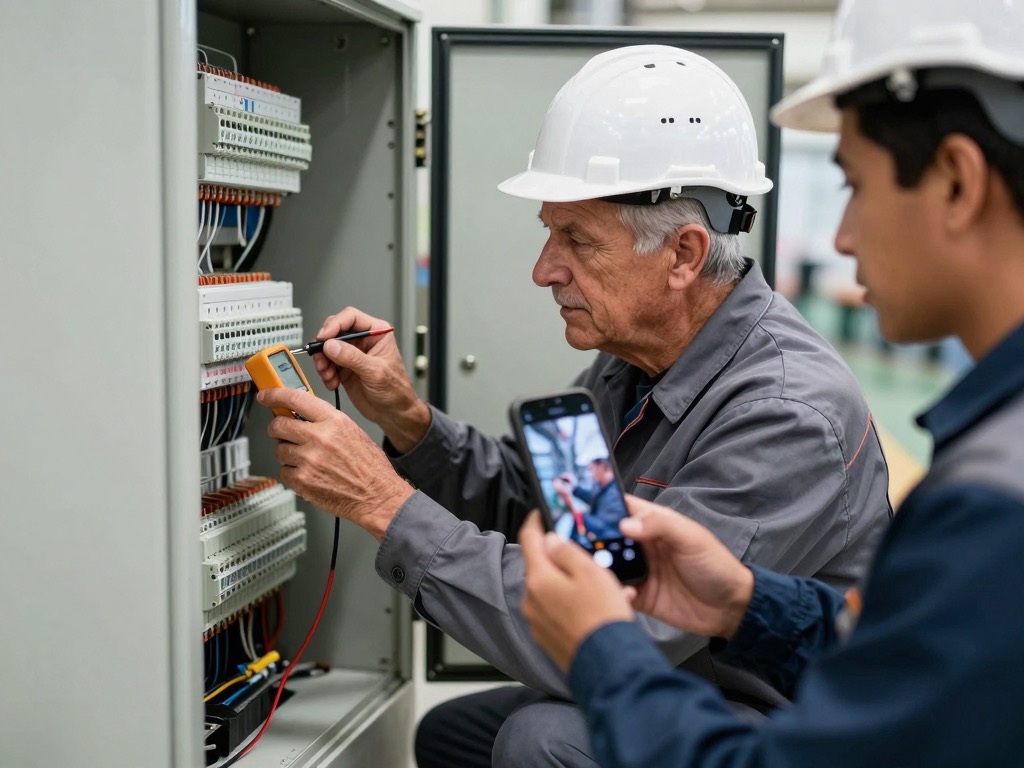
MANUFACTURING

Manufacturing & Industrial

Operators see illustrated setup and changeover steps at the line, so each machine runs right the first time.
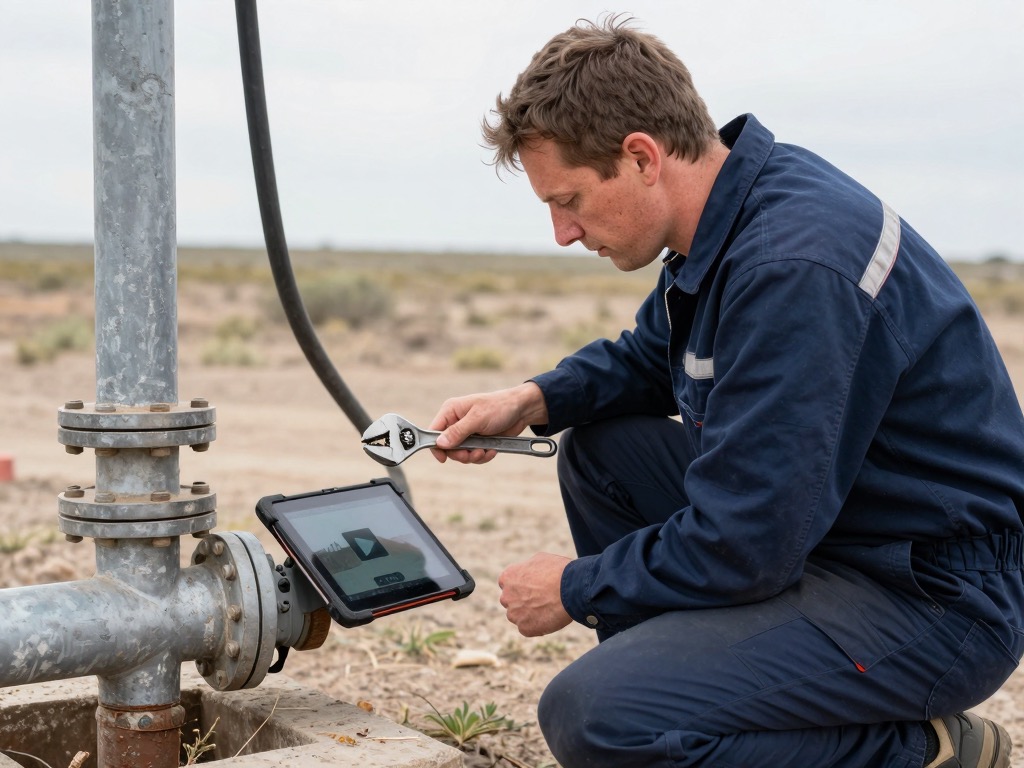
FIELD SERVICES

Field Services

Technicians pull up the exact install or repair sequence on the unit in front of them, no callback needed.

AUTOMOTIVE DEALERSHIPS

Automotive Dealerships

Service techs follow illustrated procedures at the bay, hitting flat-rate times without skipping a torque or sensor step.

QUICK SERVICE RESTAURANTS

Quick Service Restaurants

Line cooks follow illustrated prep and plating steps right at the station, so every ticket goes out built the same.

Put the step at the machine.

“Excellence is teachable.”

Pick one procedure where a wrong step scraps a part or files an incident. Give us twenty minutes and we’ll show you that procedure as an illustrated step-by-step guide at the machine — built from what your team trained on, working offline — live on the call.

See it in action →