FEATURE · MOBILE + OFFLINEBETA

Train anywhere, at any time.

The phone or tablet is already in the operator’s pocket, and the lesson is already on it — so ramp-up starts the hour they badge in, beside the machine, on the truck, at the pump station, not in a room off-site. One app, same content and same standard on phone, tablet, and desktop. And because the in-task guidance at the machine has to work even where there’s no signal, the app runs offline and syncs back to the audit log the moment it reconnects.

PHONE · TABLET · DESKTOP · RUNS OFFLINE · AUTO-SYNCS ON RECONNECT
How it works
1
Before the shift
The lesson downloads to the device
The operator’s assigned courses sit on the phone or tablet before they leave Wi-Fi — video, captions, quiz, in-task steps.
2
On the floor
In-task guidance plays at the machine
Beside the machine, on the truck, at the pump station — the step-by-step in-task guide and the lesson run even with no signal, right where the work happens.
3
Offline
Completions are recorded locally
Every step finished and quiz attempted is captured on the device, in order, while it’s out of range.
4
On reconnect
It auto-syncs to the audit log
The moment the device sees Wi-Fi, offline events drain into the one tamper-evident record the inspector reads.
One app · phone, tablet, desktop → same audit log
1 app
Phone, tablet, desktop
Day one
Train on the floor
Offline
Trains at the machine
Auto-sync
On reconnect
The problem

The work is out on the floor. The training is stuck at a desk.

Every operations leader training a frontline workforce hits the same wall:

Most of our workforce doesn’t sit at a desk, but our training assumes they do.
VP of Operations
There’s no signal where the work happens, so digital training stops at the door.
Plant Manager
Pulling people off the floor into a classroom costs us production time.
Training Director
Frontline workers don’t have a company computer or even a work email.
HR Lead
Mobile + offline · train where the work is

One app on every screen. Online or offline.

No managed-device program, no classroom block, no work email. The lesson plays right on the phone or tablet the operator already carries, so they train anywhere — on the floor, on the truck, at the pump station. And for the in-task guidance at the machine, where there’s genuinely no signal, it can run fully offline and sync on reconnect.

01On the device

The lesson plays right on the device. No desk, no classroom.

The operator’s assigned courses play right on the phone or tablet they already carry — video, captions, quiz, in-task steps. So they train beside the machine, on the truck, at the pump station, in the language on their badge, no round trip to a classroom. And where there’s genuinely no signal — mostly the in-task guidance at the machine — the lesson can be pinned to the device and run offline.

  • Train between tasks. Ten useful minutes on the floor instead of a half-day off-site — ramp-up starts where the work is.
  • Plays right where the work is. The training runs on the phone or tablet they carry — on the floor, in the field, anywhere — and keeps going offline for the in-task steps at the machine.
  • In the operator’s own language. The badge decides which lessons play and in which language — nothing extra to set up.
  • No work email required. The worker signs in on the phone in their pocket — no company computer, no managed device.
  • Sign in by scanning a QR code. No corporate inbox, no password to forget — the frontline worker scans the code and they’re in.
BETA CONCEPT ON THIS DEVICE · TABLET 02 · A. FORTIN ▼ DOWNLOADED Lockout/Tagout Fundamentals 3 modules · 124 MB · EN ▼ DOWNLOADED WHMIS 2015 4 modules · 178 MB · EN ▼ DOWNLOADED Fall Protection 2 modules · 96 MB · EN ▼ DOWNLOADED Quiz items · Hazard Comm · LOTO 28 items · 1.4 MB – NOT ON DEVICE Confined Space Entry not on operator profile STORAGE 398 MB used · 2.4 GB free · last refresh 2h ago ● PINNED TO LIVE VERSION · IN SYNC
02Works offline

The in-task guidance runs even with no signal.

Offline matters in one specific place: the in-task guidance at the machine, where there’s genuinely no Wi-Fi. So the step-by-step instructions are pinned to the device and run fully offline — and every step and quiz attempt is held on the device, then drains in order into the one audit log the inspector reads the moment it reconnects.

  • Pinned to the device. The in-task steps are cached so they open at the machine, signal or not.
  • Where the signal actually drops. Offline is built for the line, the truck, the pump station — not bolted onto everything for show.
  • Auto-synced on reconnect. Offline events drain in order the moment the device sees Wi-Fi — nothing is lost off the grid.
  • Same record either way. What happens offline lands in the same audit log as the office training.
IN-TASK GUIDE · RUNS OFFLINE → DRAINS TO THE AUDIT LOG PUMP-7 · IN-TASK GUIDE OFFLINE STEP 4 OF 6 BACK NEXT Re-prime the pump ● PINNED TO DEVICE · NO SIGNAL ✓ Step 1 · Isolate · 09:02 ✓ Step 2 · Drain line · 09:05 ✓ Step 3 · Replace seal · 09:11 ▶ Step 4 · Re-prime · now 3 steps + 1 quiz held on device queued · will sync on reconnect RECONNECT ● SYNC AUDIT LOG Immutable · this tenant ● SIGNAL RESTORED · 14:18 EST Offline steps drained in order. Step ✓J. Ortegaoffline · pump seal09:11 Step ✓J. Ortegaoffline · re-prime09:14 Quiz ✓A. Fortinlockout/tagout14:18 EnrollA. Fortinenrollment14:18 ExportMike Chenreport09:41 → VERIFY INTEGRITY Log confirmed · offline events included.
03Every screen

One app. Phone, tablet, desktop.

It’s the same TalentED app on every screen, on the same account. Install it on the tablet from the home screen and use it like any app — no months-long corporate device-management rollout. With signal it streams the lessons the operator is assigned to; and for the in-task guidance at the machine, where there’s no signal, anything they do is held and synced on reconnect. Native iOS and Android wrappers are on the roadmap for the rollouts that need them.

  • One app across devices. Desktop, tablet, phone — same account, same content.
  • Lessons play on the device. Deploy to the floor without a managed-device program.
  • Native wrappers on the roadmap. For device-management rollouts, kiosk mode, push-notification reliability.

Mobile and offline are in beta. The onboarding team works with you on the device fleet, the download window, and the sync cadence appropriate to your sites.

APP Phone iOS · Android ● MOBILE APP DOWNLOADS OFFLINE APP Tablet iPad · Galaxy Tab · Surface ● PRIMARY FLOOR DEVICE SAME APP · BIGGER SCREEN RECOMMENDED FORM FACTOR BROWSER Desktop Chrome · Safari · Edge ● ADMIN SURFACE SAME APP · MORE SCREEN ONE APP · SAME ACCOUNT · SAME CONTENT · SAME AUDIT LOG
Before / after

A classroom off-site. Or the phone in their pocket.

The same frontline workforce, two very different paths to a trained, recorded operator.

Today

Training stops at the door

  • ×Workers pulled off the floor into a classroom — production time lost.
  • ×No signal at the machine, so step-by-step guidance never reaches the spot it’s needed.
  • ×No company computer, no work email — half the workforce can’t log in.
  • ×What happened at the remote site never makes it into the record.
With TalentED

Train where the work is

  • The lesson is already on the phone in their pocket — no classroom block.
  • The in-task steps run offline, right at the machine where the signal drops.
  • Sign in on a personal device — no managed fleet, no work email needed.
  • Offline completions drain into the one audit log on reconnect.
Use cases

Beside the machine. On the truck. At the pump station.

What mobile + offline looks like across different frontline teams:

Maintenance Tech

In-task steps, no signal

A maintenance tech pulls up the step-by-step guidance right at the pump station with no signal, and the record syncs to the audit log on reconnect.

Delivery Driver

A refresher between routes

A delivery driver completes a safety refresher on his phone between routes.

New Line Hire

Ramps on day one

A new line hire ramps on a tablet right beside the machine on day one.

Field-Service Crew

Same app, no work email

A field-service crew at a remote site trains on the same app they use everywhere, no work email needed.

The worker trains where it suits them.

The app ships today on phone, tablet and desktop, so ramp-up happens on the floor instead of in a room off-site. It’s the same course the office runs, to the same standard, and everything the operator does lands in the one audit log the inspector reads. The lesson runs offline so training keeps working where the signal doesn’t — and the moment the device sees Wi-Fi again, anything done offline catches up in order. Audit-grade integrity, even at the pump station.

01 Train on the floor, day one 02 Same course · same standard 03 Runs offline 04 One audit log 05 Phone, tablet, desktop
Wired to the rest of the platform

The field screen is one door into the whole system.

The phone or tablet is where the platform reaches the floor. From that one app the rest of the system takes over — guiding the task at the machine, signing every step into the audit chain, scoping what loads to the badge, and covering every remote site.

Who this matters most for

Training that travels with the crew, no signal required
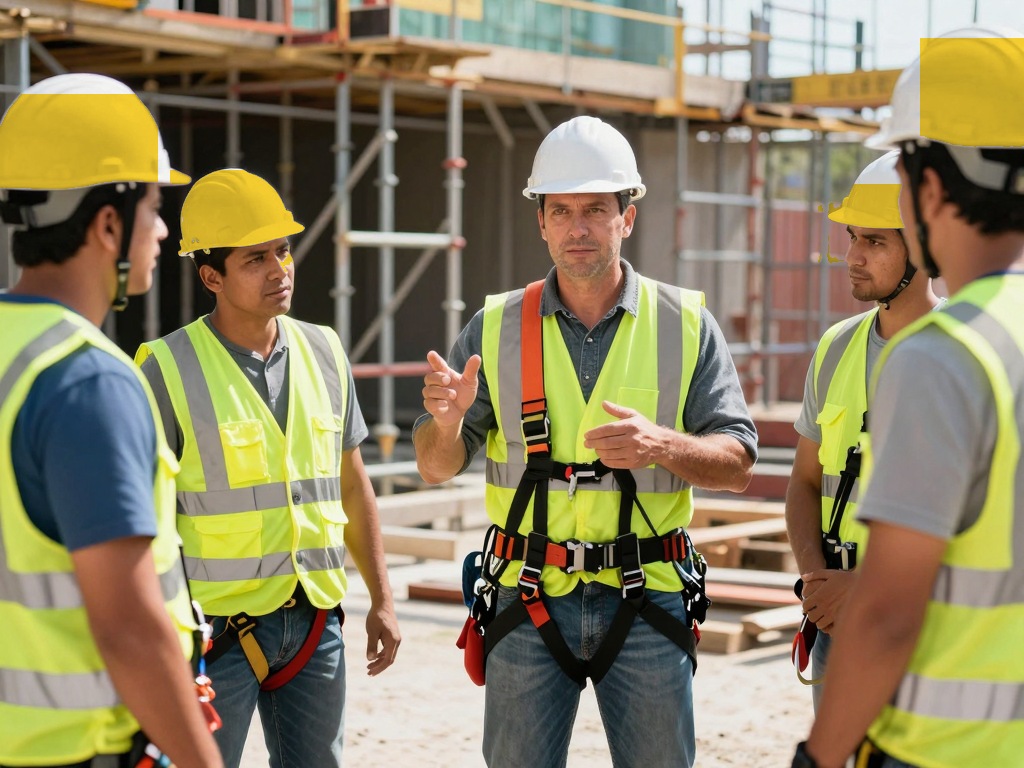
CONSTRUCTION

Construction

Crews complete safety modules on the job site, where cell coverage drops, and progress syncs once they reconnect.
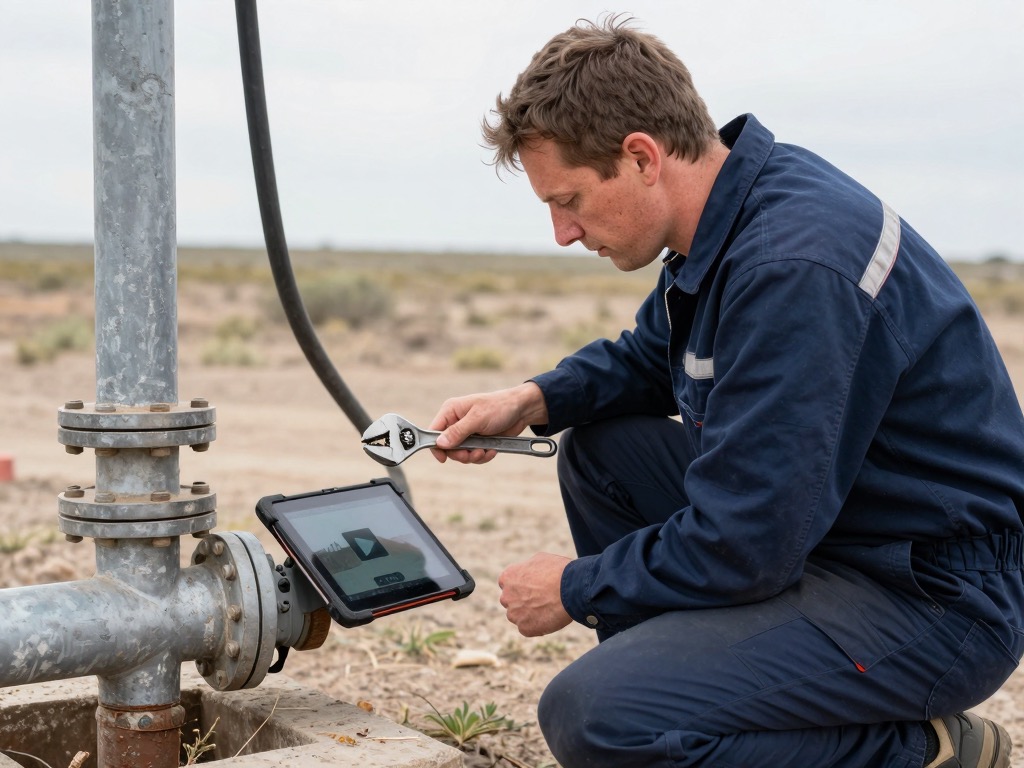
FIELD SERVICES

Field Services

Mobile technicians pull up a procedure between calls from a phone, and never need a desk or steady connection.
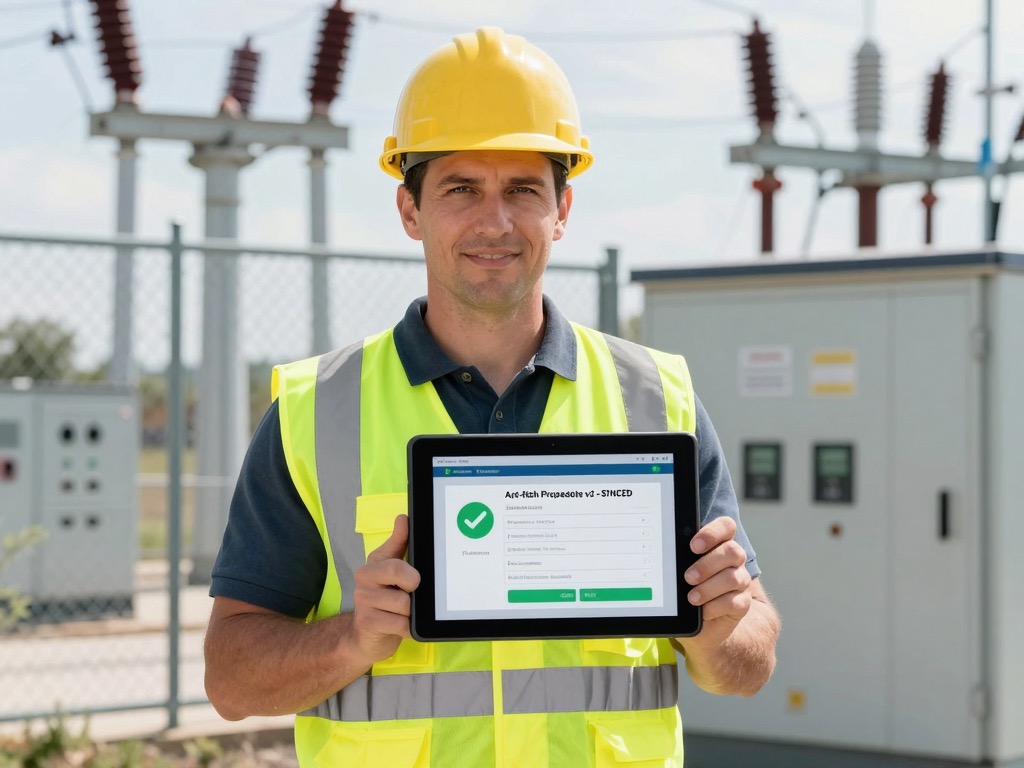
ENERGY & UTILITIES

Energy & Utilities

Field crews train at remote substations and underground vaults, then sync completions the moment a signal returns.
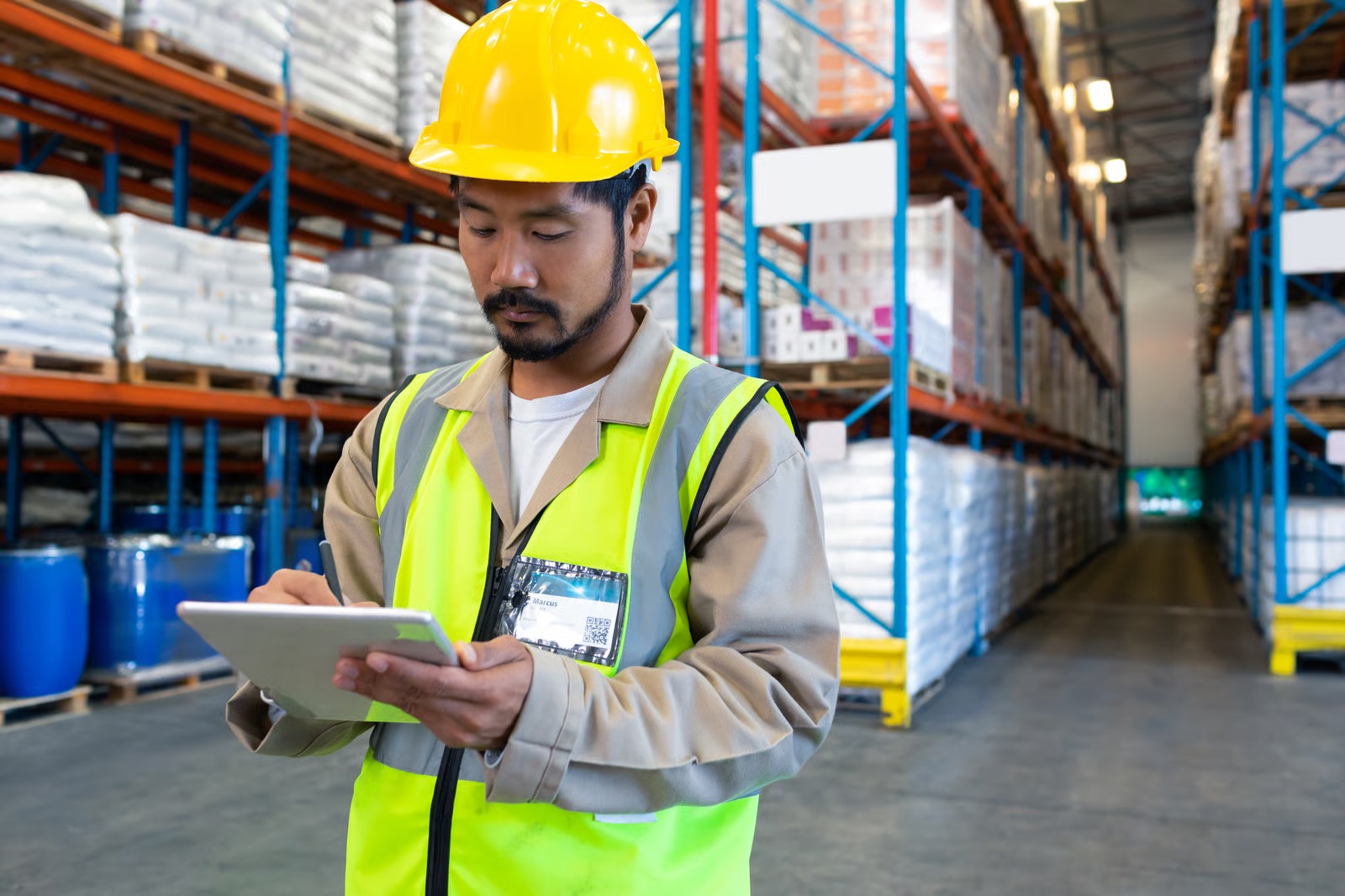
LOGISTICS

Logistics & Warehousing

Pickers, forklift operators, and drivers train on a tablet across the floor, with progress syncing on reconnect.

Show us one remote site.

“Excellence is teachable.”

Tell us about the site with no Wi-Fi and the workforce that never sits at a desk. Give us twenty minutes and we’ll sketch the download window and the sync cadence before the call ends — live on the call.

See it in action →