FEATURE · AUTO-UPDATED

The procedure changed Tuesday. Every shift was trained on it by Wednesday.

Upload the procedure update in the learning platform, and the course is rebuilt, the in-task guides refresh, the compliance baseline resets, and the audit log signs the change — across every site and language.

UPDATE THE SOP · EVERYTHING REBUILDS · EVERY SITE & LANGUAGE
How it works
1
You
Upload the SOP update
Drop the revised procedure into the learning platform — one document, the single source of truth. No re-recording, no re-editing.
2
Us
The course rebuilds itself
The video updates to reflect what changed and the in-task guides refresh — automatically, in every language your floor needs.
3
Us
The compliance baseline resets
Everyone trained on the old version is flagged for re-training — often just a short update module covering what changed — and the new version becomes the only one on the floor.
4
Us
The audit log signs the change
What changed, when, and who’s on the current version — signed and provable, across every site.
One SOP upload · update → every shift retrained by tomorrow
48h
Change to retrained
1 source
The SOP, that’s it
0
Re-shoots needed
Every site
In every language
The problem

The SOP changed. The training didn’t.

Every operations leader knows the gap between the procedure and the floor:

Updating one course means re-recording, re-editing, re-translating — so we just don’t.
Training Director
The procedure changed months ago, and the floor is still running the old version.
VP of Operations
When something changes, retraining every shift and site takes weeks we don’t have.
Plant Manager
Our training and our current standard operating procedure (SOP) no longer say the same thing.
Quality & Compliance Lead
Auto-updated · change the procedure document, not the course

Update the procedure. The training follows.

You don’t re-record a video, brief a translator, or chase down every site. Upload the revised procedure once. The course rebuilds, the in-task guides refresh, the compliance baseline resets, and the audit log signs the change — everywhere, in every language, by the next shift.

01Trigger

Change the procedure. That’s the whole edit.

Upload the revised procedure into the learning platform and that single document becomes the source of truth. No re-recording a narrator, no re-editing the video, no re-briefing a translator — the change you make to the standard operating procedure is the only change you make.

  • One document, one request. You upload the revised SOP in the learning platform and ask for the update — that request is the trigger, and everything downstream follows.
  • No re-recording or re-editing. You never touch the video, the voiceover, or the timeline again.
  • Nothing fires on its own. The update runs only when you upload the revised standard operating procedure in the learning platform and request it — a change ships when you mean it to, never by guesswork.
  • Version-controlled from the first edit. Every change is captured the moment it lands, not reconstructed later.
lockout_tagout.sop REV 4 Step 1 · De-energize Step 2 · Isolate & lock Step 3 · Verify zero energy ● Step 4 · Tag & sign CHANGED · step 3 added approved by QA · Tue single source of truth UPLOAD talented.ai/update · the SOP is the edit SOP UPDATE Drop the revised SOP no re-record · no re-edit · no re-translate SINGLE SOURCE OF TRUTH SOP DOC UPLOADED VERSIONED ● UPDATE REQUESTED · REBUILD QUEUED Video course → REBUILD In-task guides → REFRESH Compliance baseline → RESET
02Rebuild

The course updates itself. In every language.

From that one upload, the platform updates the video to the changed step, refreshes the in-task guides on the floor, and re-renders every translated version — so the course on every screen, in every language, matches the procedure you just approved.

  • The video updates to what changed. New material added, modified, or removed — only that part is rebuilt; the rest of the course stays intact.
  • In-task guides refresh in place. The step-by-step guidance on the floor updates the moment the procedure does.
  • Every language re-renders. No separate translation project — all localized versions rebuild together.
  • One version on the floor. The old video is retired everywhere, so two sites are never out of sync.
REBUILD · ONE SOP CHANGE → EVERY VERSION · BETA CONCEPT FROM ONE EDIT TO EVERY SCREEN SOP rev 4 → course updated · guides refreshed · all languages SOP · rev 3 → rev 4 Step 3 added · verify approved Tuesday by QA one document changed WHAT REBUILDS → video course updated → in-task guides → every language REBUILD Lockout / Tagout · rev 4 ● step 3 updated · old version retired EN ✓ ES ✓ FR ✓ PL ✓ In-task guides refreshed · all sites ONE CHANGE, EVERYTHING REBUILDS VIDEO UPDATED GUIDES REFRESHED ALL LANGUAGES ONE VERSION
03Prove

The baseline resets. The audit log signs it.

When the course rebuilds, everyone trained on the old version is flagged for re-training — often a short update covering just what changed — and the new version becomes the only one on the floor. The audit log records what changed, when, and who’s on the current version — so the new procedure is provably the one in use, across every site.

  • Old completions are flagged, not erased. The moment the procedure changes, everyone on the old version is marked out-of-date and queued to re-train — the record stays in the history, it’s just no longer current.
  • Every shift re-flagged automatically. The platform knows who needs re-training and assigns it without a chase.
  • One provable version on the floor. The new SOP is demonstrably the only one in use — nothing for an auditor to question.
  • The audit log signs the change. What changed, when, and who’s current — captured automatically and ready for inspection.
yourcompany.talented.ai/compliance BASELINE RESET · SIGNED AUDIT LOG Lockout / Tagout · rev 4 · who’s on the current version RE-TRAINING BY SITE Plant A · 3 shifts100% ON REV 4 ✓ Plant B · 4 shifts100% ON REV 4 ✓ Plant C · 2 shiftsRE-TRAINING · 14 LEFT Plant D · 3 shifts100% ON REV 4 ✓ REV 3 COMPLETIONS FLAGGED old version retired · one on the floor AUDIT LOG Tue 09:14 · SOP rev 4 approved · QA lead Tue 09:15 · course rebuilt · all languages Tue 09:15 · baseline reset · 12 sites ✓ SIGNED & SEALED tamper-evident · inspection-ready PROVABLY THE ONLY VERSION ON THE FLOOR BASELINE RESET SHIFTS RE-FLAGGED SIGNED LOG EVERY SITE
04Versioning

Every version, on the record.

Each SOP you upload is kept as its own revision — with the full history of what changed, who changed it, and when. The video course is tied to the exact document version it was built from, so you can always see which procedure a course taught, and roll back if you need to.

  • Every upload is a version. The document you drop in is stored as a numbered revision, never overwritten — the old one is always there.
  • Full change history. Who uploaded it, what moved from the last revision, and when — captured automatically on every edit.
  • Video tied to the document version. Each course links to the exact SOP revision it came from, so training and procedure are always traceable to each other.
  • Roll back any time. If a change needs reverting, the previous version — document and course — is one click away.
yourcompany.talented.ai/lockout-tagout/history VERSION HISTORY · LOCKOUT / TAGOUT rev 4 · current Tue · J. Okafor (QA) · step 3 added — verify zero energy video · rev 4 rev 3 Mar 4 · L. Berg · reworded PPE section video · rev 3 rev 2 Jan 12 · L. Berg · added lock-check photo video · rev 2 rev 1 · original Nov 2 · M. Singh · first published video · rev 1 FULL CHANGE HISTORY VIDEO LINKED TO REVISION ROLL BACK ANY TIME
Before / after

A six-week scramble. Or a single upload.

The same SOP change, two very different paths to a retrained floor.

Today

Weeks behind the procedure

  • ×Re-record, re-edit and re-translate every changed course by hand.
  • ×The floor keeps running the old version for months.
  • ×Retraining every shift and site takes weeks you don’t have.
  • ×Training and the current SOP quietly drift out of sync.
With TalentED

Retrained by the next shift

  • Upload the SOP update once — the course rebuilds itself.
  • In-task guides refresh and every language re-renders together.
  • The compliance baseline resets across every site automatically.
  • The audit log signs the change — one provable version on the floor.
Use cases

Change the procedure. The floor follows by morning.

What an auto-updated course looks like across different teams:

QA Lead

Tuesday change, Wednesday floor

A QA lead approves a revised lockout/tagout step Tuesday; by Wednesday every shift across 12 sites sees the updated video course and refreshed in-task guide, in the languages their workforce needs.

Pharma Site

One version on the floor

A pharma site updates a cleaning procedure and the new version is provably the only one on the floor.

Retail Chain

Every store, next shift

A retail chain updates a returns policy and every store associate is on the new version by the next shift.

Training Manager

Updated from the learning platform

A training manager uploads the revised standard operating procedure in the learning platform, requests “update course with revised procedure document,” and the rebuild runs — no studio, no re-shoot, no manual edit.

Change the procedure document. The training never goes stale.

The gap between your procedure and your floor closes the moment you upload the change. The course rebuilds, the guides refresh, the baseline resets, and the audit log signs it — across every site and language, by the next shift. No scramble on your side — and if a change calls for a richer video, we produce that too.

01 Upload the procedure 02 Course rebuilds 03 Guides refresh 04 Baseline resets 05 Audit log signs it
Wired to the rest of the platform

Your SOP upload is the trigger for the whole chain.

Auto-update is the spark. From that one upload, the rest of the platform reacts — re-localizing every course, refreshing the guidance on the floor, re-proving who learned it, and resetting the compliance baseline.

Who this matters most for

When the procedure changes Tuesday, the floor knows by Thursday

MANUFACTURING

Manufacturing & Industrial

When a line changeover or work instruction is revised, every operator across shifts runs the new version within 48 hours.

LOGISTICS

Logistics & Warehousing

Update a pick path or hazmat-handling step once, and every shift across the DC runs the current version within 48 hours.
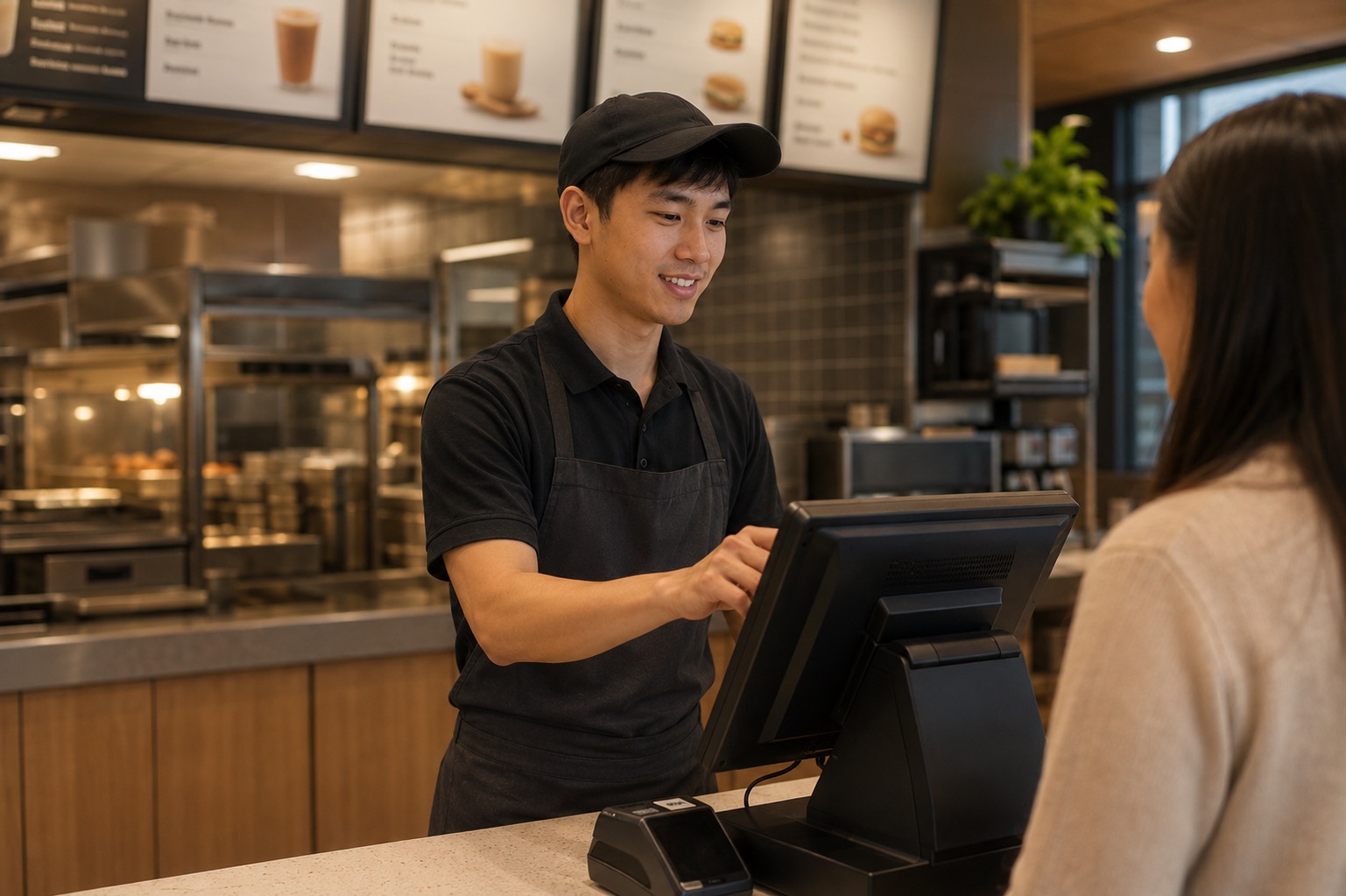
QUICK SERVICE RESTAURANTS

Quick Service Restaurants

Change a recipe or food-safety step once, and every counter runs the new version the same shift, not next week.

AVIATION

Aviation

Push a service bulletin or task-card change and line and ramp crews are current on it within 48 hours.

Send us one SOP change.

“Excellence is teachable.”

Bring the procedure you updated last month but never managed to retrain on. Give us twenty minutes and we’ll show you the course rebuilt, the guides refreshed, and the audit log signed — across every site and language, live on the call.

See it in action →