Train anywhere, at any time.
One app on the phone already in the operator’s pocket. The lesson plays beside the machine, runs where there’s no signal, and syncs back to the audit log the moment it reconnects.
Train anywhere, at any time.
The phone or tablet is already in the operator’s pocket, and the lesson is already on it — so ramp-up starts the hour they badge in, beside the machine, on the truck, at the pump station, not in a room off-site. One app, same content and same standard on phone, tablet, and desktop. And because the in-task guidance at the machine has to work even where there’s no signal, the app runs offline and syncs back to the audit log the moment it reconnects.
The work is out on the floor. The training is stuck at a desk.
Every operations leader training a frontline workforce hits the same wall:
“Most of our workforce doesn’t sit at a desk, but our training assumes they do.”
The lesson plays on the phone already in their pocket, right where the work happens.
“There’s no signal where the work happens, so digital training stops at the door.”
The lesson is pinned to the device and runs fully offline, right at the machine.
“Pulling people off the floor into a classroom costs us production time.”
They train beside the machine, on the truck: no classroom block, no production lost.
“Frontline workers don’t have a company computer or even a work email.”
They sign in on a personal device: no managed fleet, no work email needed.
Most of our workforce doesn’t sit at a desk, but our training assumes they do.
There’s no signal where the work happens, so digital training stops at the door.
Pulling people off the floor into a classroom costs us production time.
Frontline workers don’t have a company computer or even a work email.
One app on every screen. Online or offline.
No managed-device program, no classroom block, no work email. The lesson plays right on the phone or tablet the operator already carries, so they train anywhere — on the floor, on the truck, at the pump station. And for the in-task guidance at the machine, where there’s genuinely no signal, it can run fully offline and sync on reconnect.
No managed-device program, no classroom block, no work email. The lesson plays on the phone or tablet the operator already carries: on the floor, on the truck, at the pump station. And where there’s genuinely no signal, the in-task guidance runs fully offline and syncs on reconnect.
The lesson plays right on the device. No desk, no classroom.
The operator’s assigned courses play right on the phone or tablet they already carry — video, captions, quiz, in-task steps. So they train beside the machine, on the truck, at the pump station, in the language on their badge, no round trip to a classroom. And where there’s genuinely no signal — mostly the in-task guidance at the machine — the lesson can be pinned to the device and run offline.
Video, captions, quiz and in-task steps play right on the phone or tablet they already carry: beside the machine, on the truck, at the pump station. No round trip to a classroom.
- Train between tasks. Ten useful minutes on the floor instead of a half-day off-site — ramp-up starts where the work is.
- Plays right where the work is. The training runs on the phone or tablet they carry — on the floor, in the field, anywhere — and keeps going offline for the in-task steps at the machine.
- In the operator’s own language. The badge decides which lessons play and in which language — nothing extra to set up.
- No work email required. The worker signs in on the phone in their pocket — no company computer, no managed device.
- Sign in by scanning a QR code. No corporate inbox, no password to forget — the frontline worker scans the code and they’re in.
The in-task guidance runs even with no signal.
Offline matters in one specific place: the in-task guidance at the machine, where there’s genuinely no Wi-Fi. So the step-by-step instructions are pinned to the device and run fully offline — and every step and quiz attempt is held on the device, then drains in order into the one audit log the inspector reads the moment it reconnects.
Offline matters at the machine, where there’s genuinely no Wi-Fi. The steps are pinned to the device, and every step and quiz attempt drains in order into the audit log on reconnect.
- Pinned to the device. The in-task steps are cached so they open at the machine, signal or not.
- Where the signal actually drops. Offline is built for the line, the truck, the pump station — not bolted onto everything for show.
- Auto-synced on reconnect. Offline events drain in order the moment the device sees Wi-Fi — nothing is lost off the grid.
- Same record either way. What happens offline lands in the same audit log as the office training.
One app. Phone, tablet, desktop.
It’s the same TalentED app on every screen, on the same account. Install it on the tablet from the home screen and use it like any app — no months-long corporate device-management rollout. With signal it streams the lessons the operator is assigned to; and for the in-task guidance at the machine, where there’s no signal, anything they do is held and synced on reconnect. Native iOS and Android wrappers are on the roadmap for the rollouts that need them.
Same TalentED app on every screen, same account. Install it on the tablet from the home screen: no device-management rollout. Native iOS and Android wrappers are on the roadmap.
- One app across devices. Desktop, tablet, phone — same account, same content.
- Lessons play on the device. Deploy to the floor without a managed-device program.
- Native wrappers on the roadmap. For device-management rollouts, kiosk mode, push-notification reliability.
Mobile and offline are in beta. The onboarding team works with you on the device fleet, the download window, and the sync cadence appropriate to your sites.
A classroom off-site. Or the phone in their pocket.
The same frontline workforce, two very different paths to a trained, recorded operator.
- ×Workers pulled off the floor into a classroom — production time lost.
- ×No signal at the machine, so step-by-step guidance never reaches the spot it’s needed.
- ×No company computer, no work email — half the workforce can’t log in.
- ×What happened at the remote site never makes it into the record.
- ✓The lesson is already on the phone in their pocket — no classroom block.
- ✓The in-task steps run offline, right at the machine where the signal drops.
- ✓Sign in on a personal device — no managed fleet, no work email needed.
- ✓Offline completions drain into the one audit log on reconnect.
Training stops at the door
- ×Workers pulled off the floor into a classroom — production time lost.
- ×No signal at the machine, so step-by-step guidance never reaches the spot it’s needed.
- ×No company computer, no work email — half the workforce can’t log in.
- ×What happened at the remote site never makes it into the record.
Train where the work is
- ✓The lesson is already on the phone in their pocket — no classroom block.
- ✓The in-task steps run offline, right at the machine where the signal drops.
- ✓Sign in on a personal device — no managed fleet, no work email needed.
- ✓Offline completions drain into the one audit log on reconnect.
Beside the machine. On the truck. At the pump station.
What mobile + offline looks like across different frontline teams:
In-task steps, no signal
A maintenance tech pulls up the step-by-step guidance right at the pump station with no signal, and the record syncs to the audit log on reconnect.
A refresher between routes
A delivery driver completes a safety refresher on his phone between routes.
Ramps on day one
A new line hire ramps on a tablet right beside the machine on day one.
Same app, no work email
A field-service crew at a remote site trains on the same app they use everywhere, no work email needed.
The worker trains where it suits them.
The app ships today on phone, tablet and desktop, so ramp-up happens on the floor instead of in a room off-site. It’s the same course the office runs, to the same standard, and everything the operator does lands in the one audit log the inspector reads. The lesson runs offline so training keeps working where the signal doesn’t — and the moment the device sees Wi-Fi again, anything done offline catches up in order. Audit-grade integrity, even at the pump station.
Same course, same standard, on phone, tablet and desktop. It runs offline where the signal doesn’t, and catches up in order on Wi-Fi.
The field screen is one door into the whole system.
The phone or tablet is where the platform reaches the floor. From that one app the rest of the system takes over — guiding the task at the machine, signing every step into the audit chain, scoping what loads to the badge, and covering every remote site.
From the one app in their pocket, the rest of the platform takes over: guiding the task, signing every step into the audit chain, covering every remote site.
The primary surface
The tablet at the machine — where offline actually matters.
Offline still signs
Steps done with no signal join the audit chain on reconnect.
Scoped to the badge
Only the operator’s own lessons sit on the device.
Every remote site
The same chain across pump stations with no Wi-Fi.
Training that travels with the crew, no signal required

Construction
Crews complete safety modules on the job site, where cell coverage drops, and progress syncs once they reconnect.
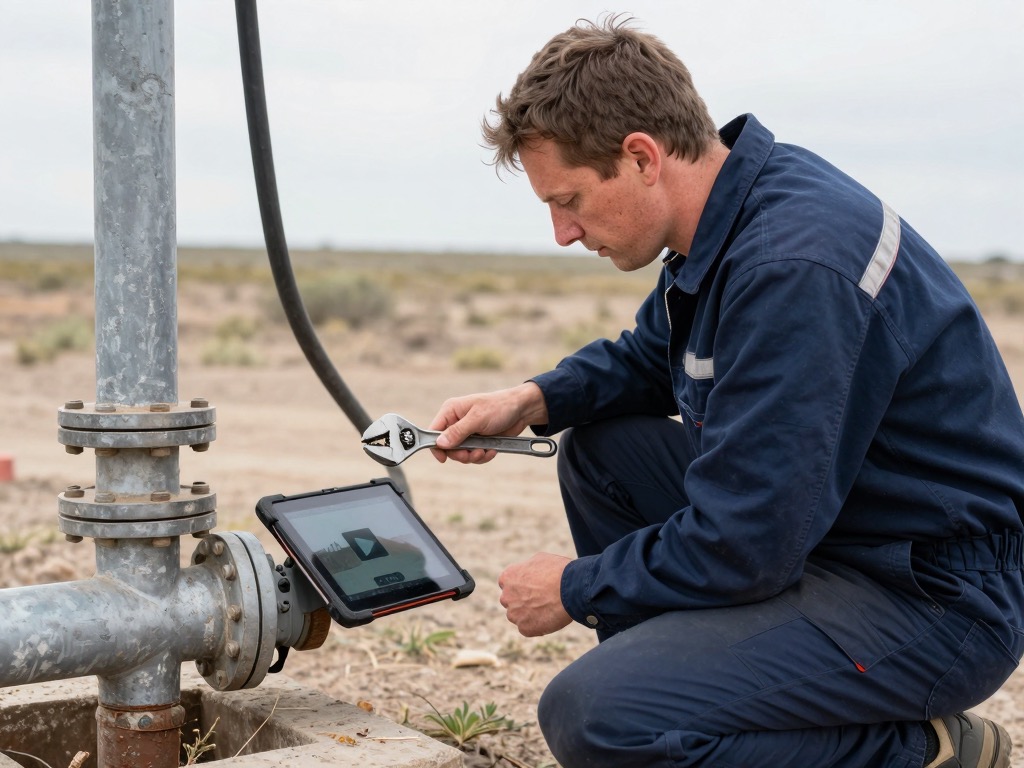
Field Services
Mobile technicians pull up a procedure between calls from a phone, and never need a desk or steady connection.
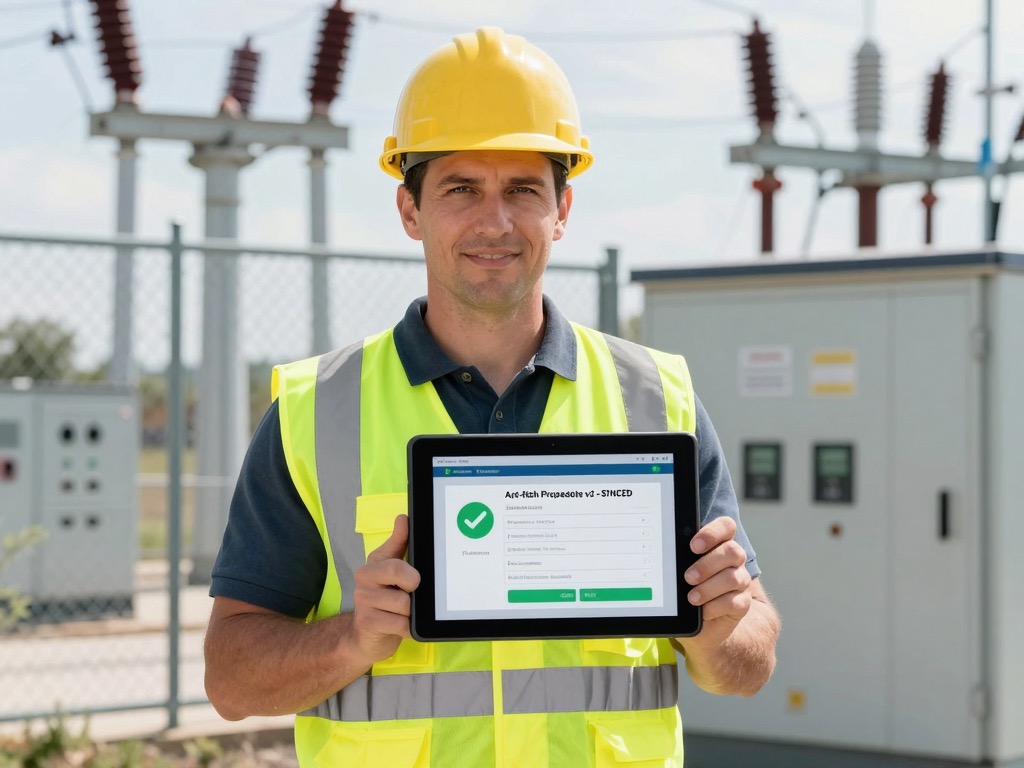
Energy & Utilities
Field crews train at remote substations and underground vaults, then sync completions the moment a signal returns.
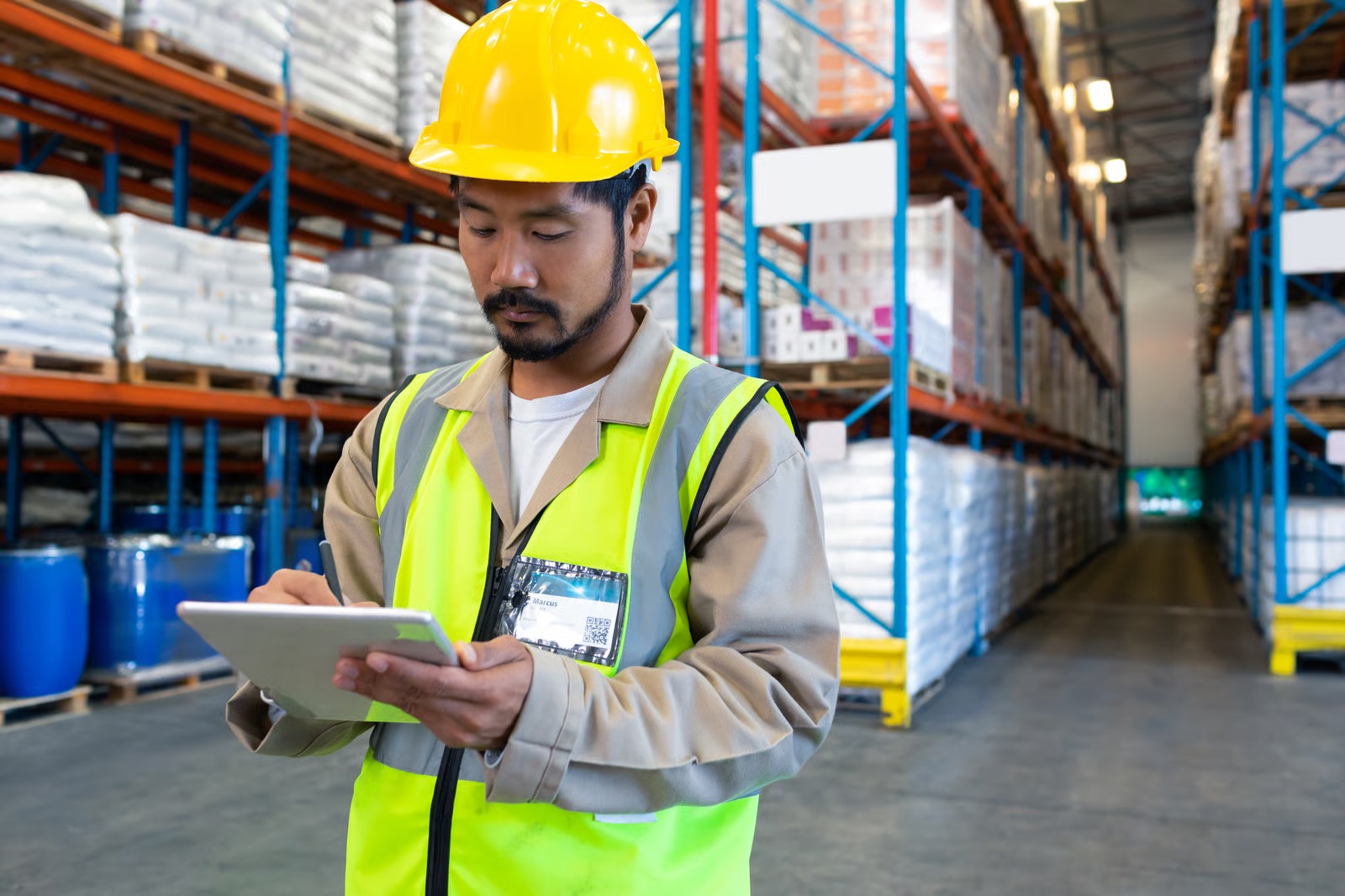
Logistics & Warehousing
Pickers, forklift operators, and drivers train on a tablet across the floor, with progress syncing on reconnect.
Show us one remote site.
Tell us about the site with no Wi-Fi and the workforce that never sits at a desk. Give us twenty minutes and we’ll sketch the download window and the sync cadence before the call ends — live on the call.